Harbor Breeze Ceiling Fan Remote
A Harbor Breeze ceiling fan remote pairs in one of five ways, and holding the wrong buttons is why most “broken” remotes stay broken. Find yours below by what you see in the battery door, then follow its steps, pick the right battery or match a replacement.
How to pair a Harbor Breeze ceiling fan remote
Slide off the battery cover first. A pinhole key, tiny switches or a printed ID such as KUJCE10311 tells you which steps below are yours. Every method starts the same way: power to the fan off, then back on, because the receiver only listens for a new remote for about 30 seconds.
Learn button remotes
A small recessed key inside the battery compartment, too small for a finger. Lowe’s universal Harbor Breeze remote kits use it too.
Signal of success: the fan turns on and the light blinks three times.
High plus low remotes
No learn key at all. Fans such as the Boltz print this sync in their troubleshooting chart: a power surge can clear the receiver’s memory, and the two-button hold restores it.
These remotes take a 12-volt battery.
KUJCE10311 and its twins
The same family is printed as KUJCE10712, KUJCE10610, TR214A, TR214B or A25-FA0138, and came with the Mazon among others.
Battery: one 12-volt A23. Steps as published for the matching replacement remote.
DIP switch remotes
Older remotes such as the UC7078T and CHQ7078T carry a row of tiny on/off switches. They never learn: the pattern in the remote must match the pattern on the receiver in the canopy.
Four two-way switches make only 16 patterns, so a lost setting can be found by trying them.
Fans that beep to pair
Newer Harbor Breeze receivers carry a buzzer. Their operating instructions pair the remote with a single held key and confirm it out loud.
If you hear nothing, power off for 30 seconds and start again.
Steps from the remote instructions in Harbor Breeze manuals and from the published guide for the KUJCE10311 replacement. Your own manual has the final word.
Harbor Breeze ceiling fan remote replacement
Match the ID printed in the old remote, not its look. Two remotes can look identical and run on different codes, which is why a lookalike from another fan in the house often refuses to pair.
| ID in your old remote | Pairs by | Sold as a match | Where |
|---|---|---|---|
| KUJCE10311, KUJCE10712, TR214A, TR214B | Power on, hold the off key | Anderic RRTR214D | Search Amazon |
| UC7078T, CHQ7078T, CHQ8BT7078T | DIP switches | Anderic RR7078TUDL | Search Amazon |
| UC7070T, CHQ7070T | DIP switches | Anderic RR7070T | Search Amazon |
| A25-TX015A | Hold HIGH and LOW, then tap LEARN | Anderic RRTX015 | Search Amazon |
| No ID, or the remote is gone | New remote and receiver together | Harbor Breeze universal kit | Lowe’s |
Matches as listed by the replacement maker for each ID. Check the ID twice before ordering; one remote does not fit every Harbor Breeze fan.
Universal kits replace the receiver too
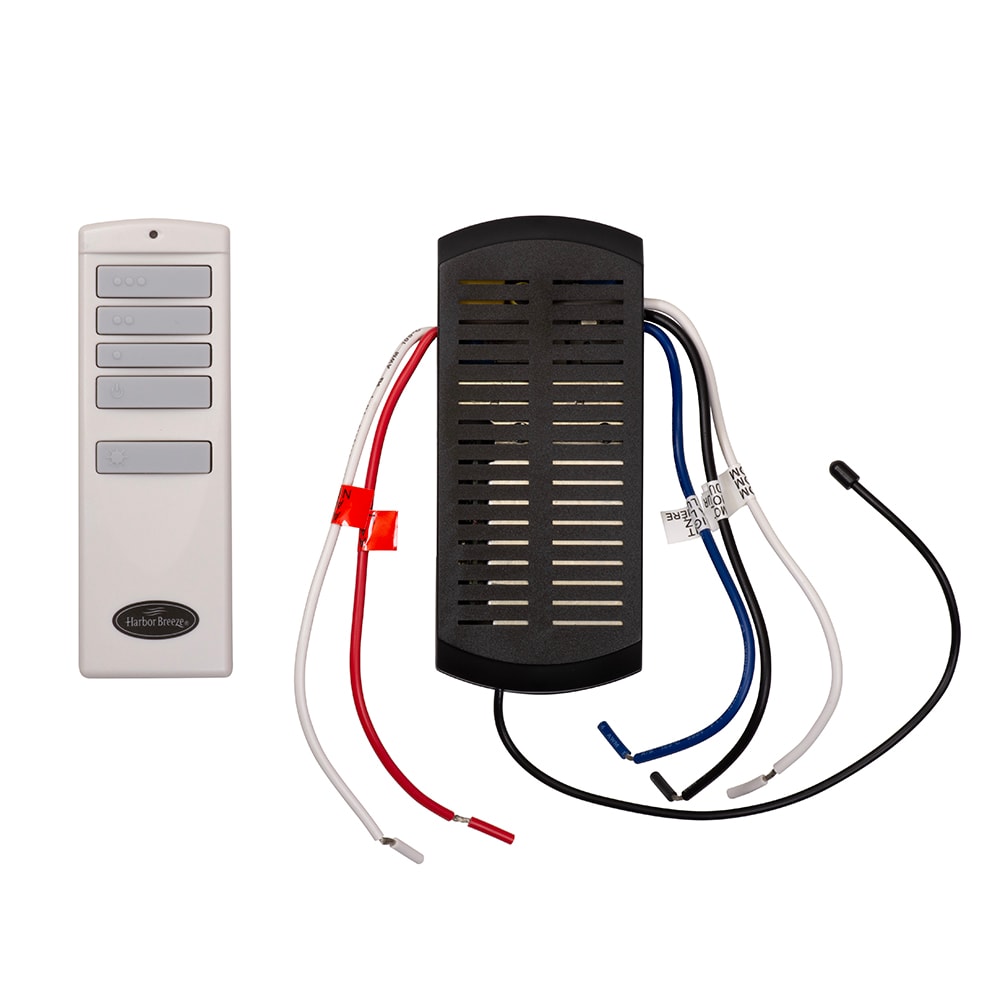
A universal Harbor Breeze kit is a new remote plus a new receiver that sits in the canopy between the ceiling wires and the fan. It is the fix when the original remote is lost and its ID unknown, or when the old receiver has failed.
One owner learned this the hard way: a universal remote from Lowe’s would not talk to the receiver already in his fan, and the light only answered once he swapped in the receiver from the kit.
Owner u/anonymouswan1 on r/HomeImprovement, February 2024.
Before you buy a new remote
Can a dimmer switch run a remote fan?
No.
Harbor Breeze manuals warn that a wall dimmer or variable speed control on the fan circuit permanently damages the remote receiver. Use a plain on/off switch.
Wiring diagramHow do I switch summer and winter?
The reverse key, or a slide on the remote.
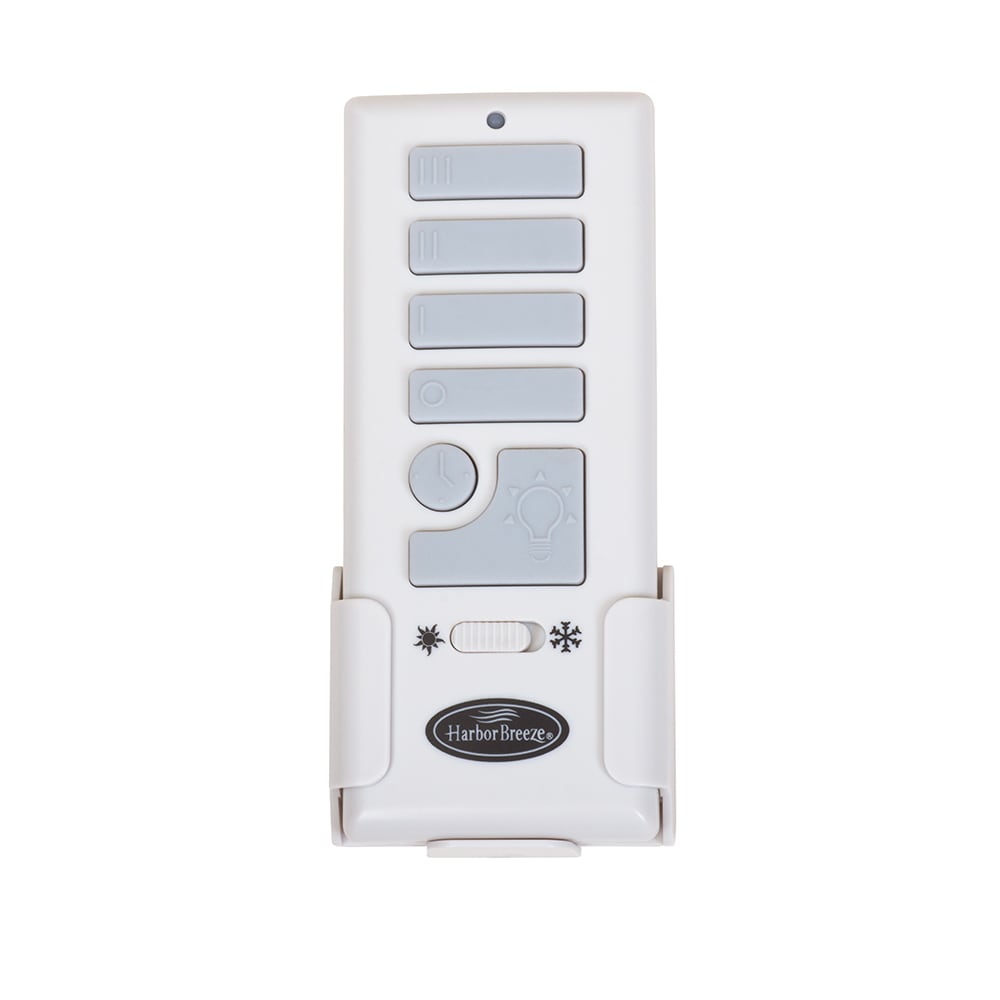
Remotes with a reverse key change direction from the couch; older white remotes carry a sun and snowflake slide. Without either, stop the fan and move the switch on the motor housing.
Direction guideCan I run it from my phone?
Some fans can, with a bridge.
Lowe’s sells Harbor Breeze fans such as the Mazon bundled with a Bond Bridge, a hub that learns the remote’s signal and adds app and voice control.
The Mazon